Vehicle Locator: How to Always Know Where Your Car Is
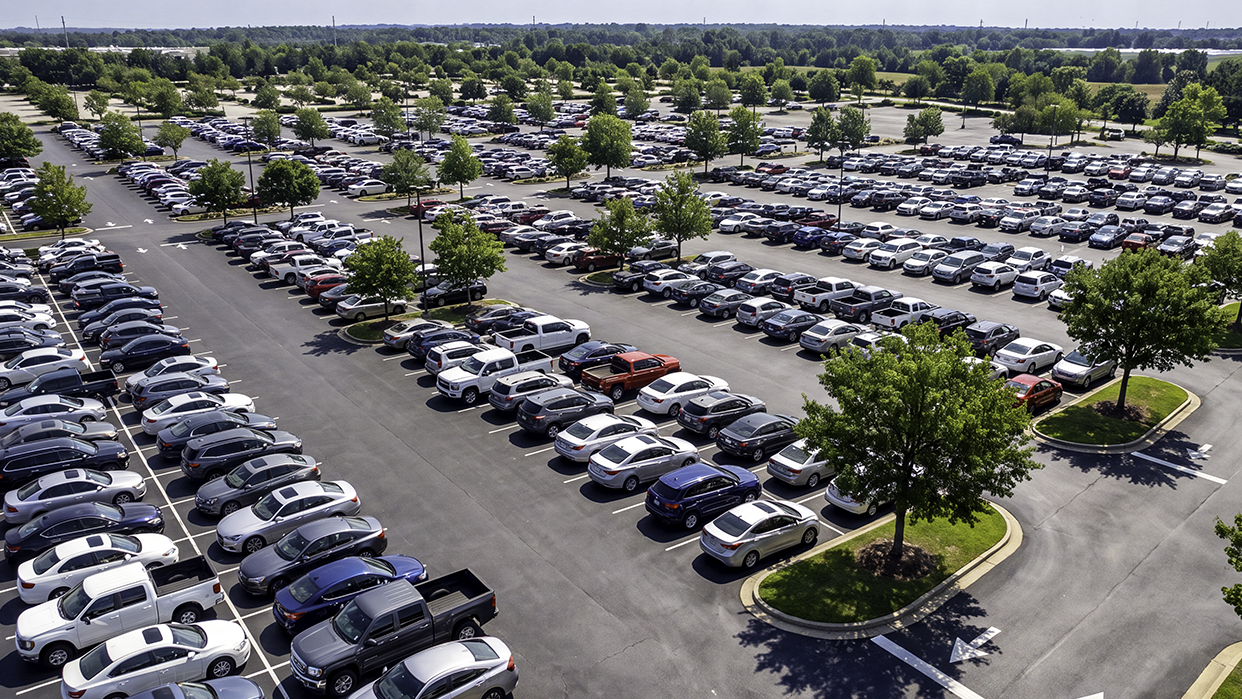
At first, the idea of a vehicle locator might seem a little funny. After all, you can’t really misplace a 3,000-pound hunk of steel as you do with your keys or phone. But the next time you’re standing on the top level of a sprawling airport parking garage after a long flight, staring across rows of identical sedans, it starts to make sense. Late on a Friday night, when your teenager is still out an hour past curfew, you’ll wonder why you don’t have a real-time vehicle locator in this day and age.
A vehicle locator is any system that tells you where your car is, though in practice the term covers two very different things, a phone-based parking aid and a hardware device that lives in the car and reports its location on its own.
Sure, your smartphone may remember where you parked, but only if the phone and car previously established a Bluetooth connection, the phone's battery hasn't died, and the car hasn't been moved without your knowledge. And these features built into your phone won’t locate your teen’s car on a Friday night or help law enforcement recover a stolen vehicle.
To cover these and many other scenarios that make you say, “I want to track my car in real time,” you need a dedicated vehicle locator. This guide breaks down the real-world situations that demand a dedicated real-time vehicle locator. We’ll explain how the technology works, list the features to look for, and walk through setting it up. Are you ready to always know where your car is? Here’s how.
What People Actually Mean by "Vehicle Locator"
As noted above, the term "vehicle locator" is used colloquially to describe two distinct categories of technology. Here is what they are and how they differ:
Phone-Based Parking Memory Tools
As we mentioned in the introduction, the mapping applications that come with new smartphones (typically Apple Maps or Google Maps) include built-in features designed to drop a pin when your phone disconnects from your vehicle’s Bluetooth system. Therefore, these apps are often called “vehicle locators,” but it’s more accurate to say they are a memory aid that helps you remember where you parked.
While helpful for finding your car in a vast parking lot, these tools rely on your personal phone being in physical proximity to the car at the exact moment the ignition turns off. But there are many situations where you might need a vehicle locator, and this feature won’t help. For example, if your teenager drives off in the family car with their own smartphone, your phone has no dropped pin, no active location data, and offers no insight into where the vehicle is heading.
Hardware-Based Vehicle Locators
A hardware-based vehicle locator is a device that stays inside the vehicle itself and reports its location independently, which is what lets it cover situations a phone cannot. Because it is fixed to the car rather than a person, it does not depend on who is driving, whose smartphone is connected to Bluetooth, or whether the driver remembered to enable location permissions.
Because the hardware maintains its own power and dedicated connectivity, it acts as a true GPS car locator. It transmits continuous location updates directly to a cloud app under any circumstances. Whereas parking memory apps serve a limited purpose, hardware-based vehicle locators can save the day in any number of situations.
The Real Situations That Call for a Vehicle Locator
Here are just some of the situations where a hardware-based locator proves incredibly useful:
Losing Your Car in Parking Lots
Whether it’s at an airport terminal, a stadium, or a sprawling university campus, finding your car in a massive parking lot can be frustrating. Relying on a phone-based parking pin often fails in concrete structures where phone GPS loses its initial lock before you step out of the car. A dedicated GPS system retains the vehicle's exact last-known coordinates, allowing you to walk straight to your vehicle without wandering in circles.
Monitoring Teen and First-Time Drivers
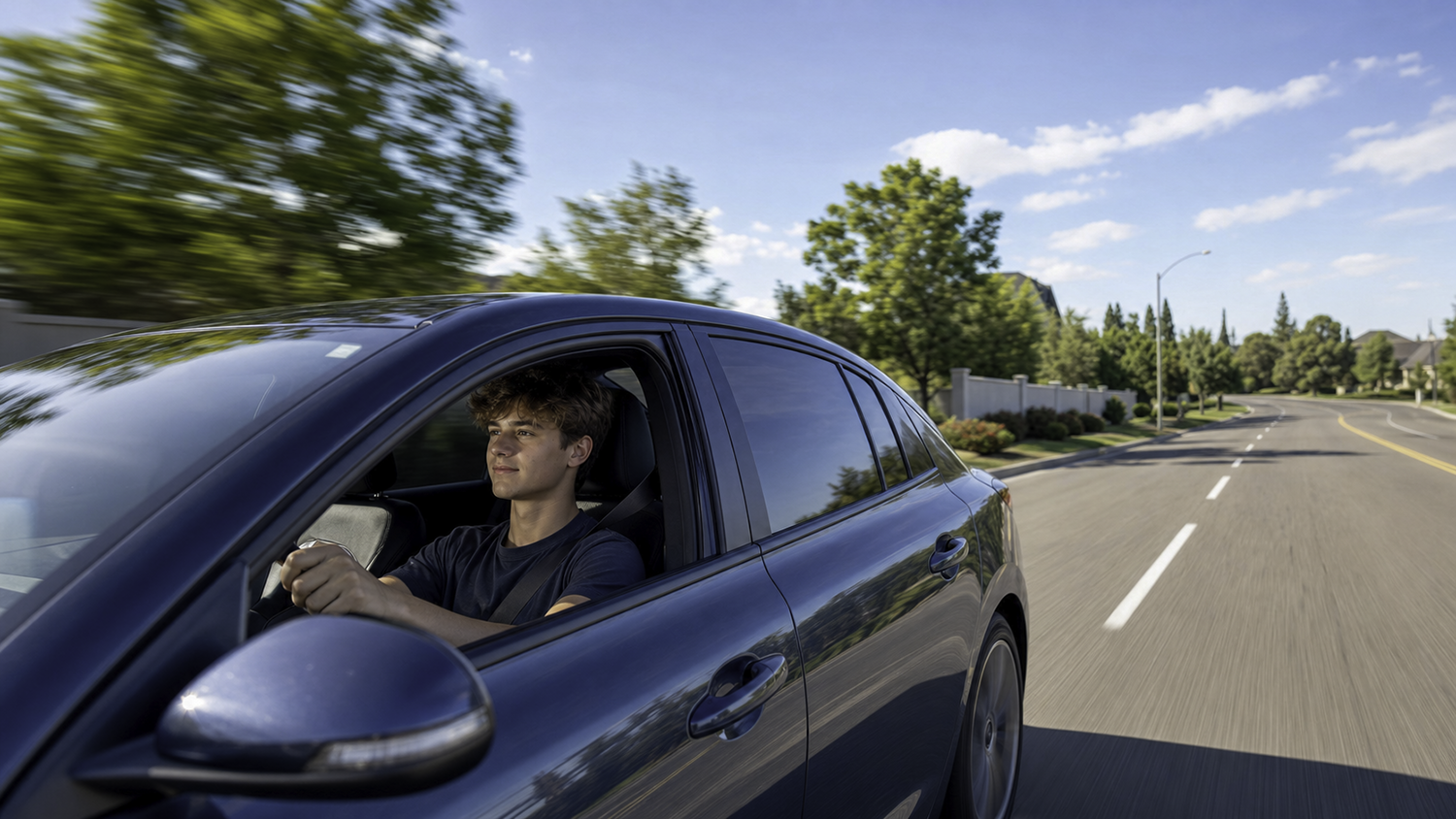
For parents of new drivers, the period after receiving a license is filled with anxiety. Expecting a teenager to manually text every time they arrive at or depart from a destination is unreliable, and texting while driving creates severe safety risks. A dedicated car location tracker gives parents passive, non-intrusive visibility into their teen's location and arrival status without requiring the driver to touch their phone.
Supporting Aging Parents and Senior Drivers
Maintaining independence is important for aging family members. However, their adult children often worry about cognitive decline or medical emergencies while driving. If an elderly parent becomes lost or fails to arrive at a family gathering, a real-time vehicle locator allows adult children to check their location.
Aiding Law Enforcement in Stolen Vehicle Recovery
If a thief has taken your car, an active vehicle locator can provide law enforcement with live coordinates, which greatly increases the chances of a successful recovery.
Managing Shared Multi-Driver Households
In some busy households, parents, college students, and working adults may have to share vehicles. Instead of sending group text messages asking "Who has the SUV?", family members can open a single app to see which car is in the driveway, at the grocery store, or parked at school.
Overseeing Loaned or Borrowed Vehicles
Sometimes you lend a car to a neighbor, friend, or relative. Until it comes back to you, wouldn’t it be nice to know where it is? Because phone-based sharing options rely entirely on the borrower's personal device, a hardware-based solution ensures the vehicle owner maintains uninterrupted oversight.
How a Real Vehicle Locator Actually Works
A hardware-based vehicle locator works by combining three systems that hand off to each other. GPS satellites supply the location data, a cellular connection transmits that data to the cloud, and an app on your phone or computer displays it. The important variations between products come down to how they handle those middle two steps, which is what the rest of this section explains.
For example, there are different hardware form factors, with three main styles available on the market today:
- OBD-II plug-in devices: These compact units plug directly into the On-Board Diagnostics (OBD2 or ODB-II) port located under the driver's side dashboard on almost every car built after 1996. They draw continuous power directly from the vehicle, take seconds to install, and require no special tools or professional wiring.
- Hardwired trackers: These devices connect directly into the vehicle's electrical system, usually under the hood in the engine compartment. Installation often requires a professional’s expertise.
- Battery-powered pucks: These small units can be hidden under seats or attached to vehicles' frames via built-in magnets. However, the need to recharge the battery can leave you without service. In addition, many lack cellular capabilities, and you can only read the GPS location once you plug the device into a computer. This makes some of these “puck” locators more accurately labeled as passive data loggers.
Communicating With GPS Satellites and Cellular Networks
As mentioned above, the locator will acquire location data from GPS satellites. While many transmit this data via an integrated cellular modem, remember that some battery-powered devices require you to plug them into a computer to read the location data. The takeaway is that real-time tracking requires a GPS car locator with a built-in cellular connection. Without it, the device can record where a vehicle has been but cannot tell you where it is right now.
Are Bluetooth Tags Vehicle Locators?
In addition, you may see Bluetooth tag devices advertised as car locators (Apple AirTags or Tile trackers, for example). Bluetooth tags do not contain GPS receivers or cellular modems. Instead, they rely entirely on being within short-range Bluetooth distance (roughly 30 to 50 feet) of a passing smartphone that happens to have location services enabled.
If a stolen vehicle is parked on a quiet residential street or inside an enclosed garage with no nearby phones, a Bluetooth tag goes completely silent because it has no way to report on its own. This is the core limitation that separates a Bluetooth tag from a true vehicle locator, and it is why a cellular device is the more reliable choice.
Real-Time Location Tracking Depends on Update Frequency
A real-time vehicle locator updates its position every few seconds while the vehicle is in motion. Low-cost alternatives or passive loggers only record data every 15 to 30 minutes (or store it internally for later download). If you need to track your car in real time during an active trip or theft, multi-second refresh rates are mandatory.
What to Look for in a Vehicle Locator
With the various types of hardware and features available, what should you look for in a vehicle locator? Here’s a list of what you need for hardware that will work when you need it:
- Real-time refresh rate: Look for devices that provide location updates every few seconds.
- Cellular connectivity and phone independence: Verify that the device includes its own dedicated cellular connection so reporting continues regardless of who is driving or whose phone is present.
- Geofencing: The included software should allow you to draw virtual boundaries around key locations (e.g., home, school, work, or local neighborhoods) and send instant push notifications when the vehicle enters or leaves those boundaries.
- Comprehensive and configurable notifications: You should be able to configure alerts for everything from unexpected late-night movement and the Check Engine light coming on to speed limit violations and harsh braking.
- Smart power management: Ensure the device draws minimal power when the ignition is turned off to prevent draining the vehicle’s battery.
- Multi-user access: The app should allow you to share vehicle locations across multiple family members' phones without charging extra per-user fees.
- Transparent pricing: Expect a one-time cost for the device plus an ongoing fee for the cellular service that keeps it reporting in real time. Look for clear pricing with no long-term contract, no activation charge, and no per-user fees.
Setting Up Your Vehicle Locator the Right Way
Once you have the right hardware-based car location tracker, setting it up is typically straightforward. Just follow these steps to ensure your device operates reliably when you need it most:
Step 1. Install the hardware: How you install the device will depend on the type you have. For an OBD-II plug-in locator, installation is quick and easy. Just locate the OBD port beneath the driver-side dashboard, and firmly insert it until it seats securely.
Step 2. Download the app and pair the device: Download the device’s mobile app on your smartphone or desktop computer (web access may also be available).
Step 3. Configure geofencing: Take a look inside the app, and if your locator supports geofencing, set it up for important locations, such as your home, your teen’s school, and workplaces. You can then get notifications when your vehicles arrive at or leave those locations.
Step 4. Set alert preferences: Navigate to the section of the app that lets you configure notifications and set your preferences.
Step 5. Share access with your household: Invite other family members or co-owners to download the app.
Step 6. Take a test drive: Take a short drive to test the locator and its features, with a family member monitoring the app.
Bouncie: A Vehicle Locator You Can Actually Rely On
When you need an always-on solution that locates your car without relying on anyone's phone, the OBD-II plug-in locator from Bouncie offers the features and ease of use you need for peace of mind. Bouncie was designed from the ground up to eliminate the guesswork of vehicle tracking within minutes of taking it out of the box.
Since you only have to plug it into the OBD-II port, Bouncie requires no professional installation. With its dedicated 4G LTE cellular connection, Bouncie operates completely independently of any smartphone in or near the car. Whether your teenager is driving across town, your spouse is picking up groceries, or an unauthorized driver moves the vehicle at night, Bouncie continuously updates its location.
Bouncie has all the features needed for versatile location tracking, including real-time location updates, Geo-Zones for unlimited geofencing, vehicle health and safety alerts, and multi-user support. It's everything you need with no long-term contracts or hidden fees. In short, Bouncie delivers real-time tracking with a device that installs in seconds and keeps reporting no matter who is driving.
Vehicle Locator FAQ
Is a vehicle locator the same as a GPS tracker?
In everyday use the terms overlap, but the meaningful difference is between a phone-based parking aid and a hardware device that stays in the car and reports its position on its own. Only the hardware version works when your phone is not near the vehicle.
Do vehicle locators require a subscription?
A hardware locator that reports in real time uses a cellular connection, so there is usually a service fee for that data. Look for transparent pricing with no long-term contract or activation charges.
Can I put a vehicle locator on a car someone else drives?
Owners commonly place a locator in a family vehicle a teen or aging parent drives, or in a car they lend out. Be transparent with the people who drive the vehicle and follow the tracking laws in your state.
True Peace of Mind With a Vehicle Locator
When will you need a vehicle locator? The tricky thing about answering that question is that you won’t know you need a GPS car locator until the moment arrives. Maybe it’s when you get off the plane, head to the airport parking lot, and it seems impossible to find your car in a sea of vehicles. Perhaps it will be when your teen stays out a little late and doesn’t answer their phone.
In these moments, you don’t want to be asking yourself, “How can I track my car in real time?” The "find my car GPS app" on your phone won't cut it, so it's best to have a hardware vehicle locator already installed before you need it. To get started, learn more about Bouncie.